Add to the record
The registry grows because members add what they know.
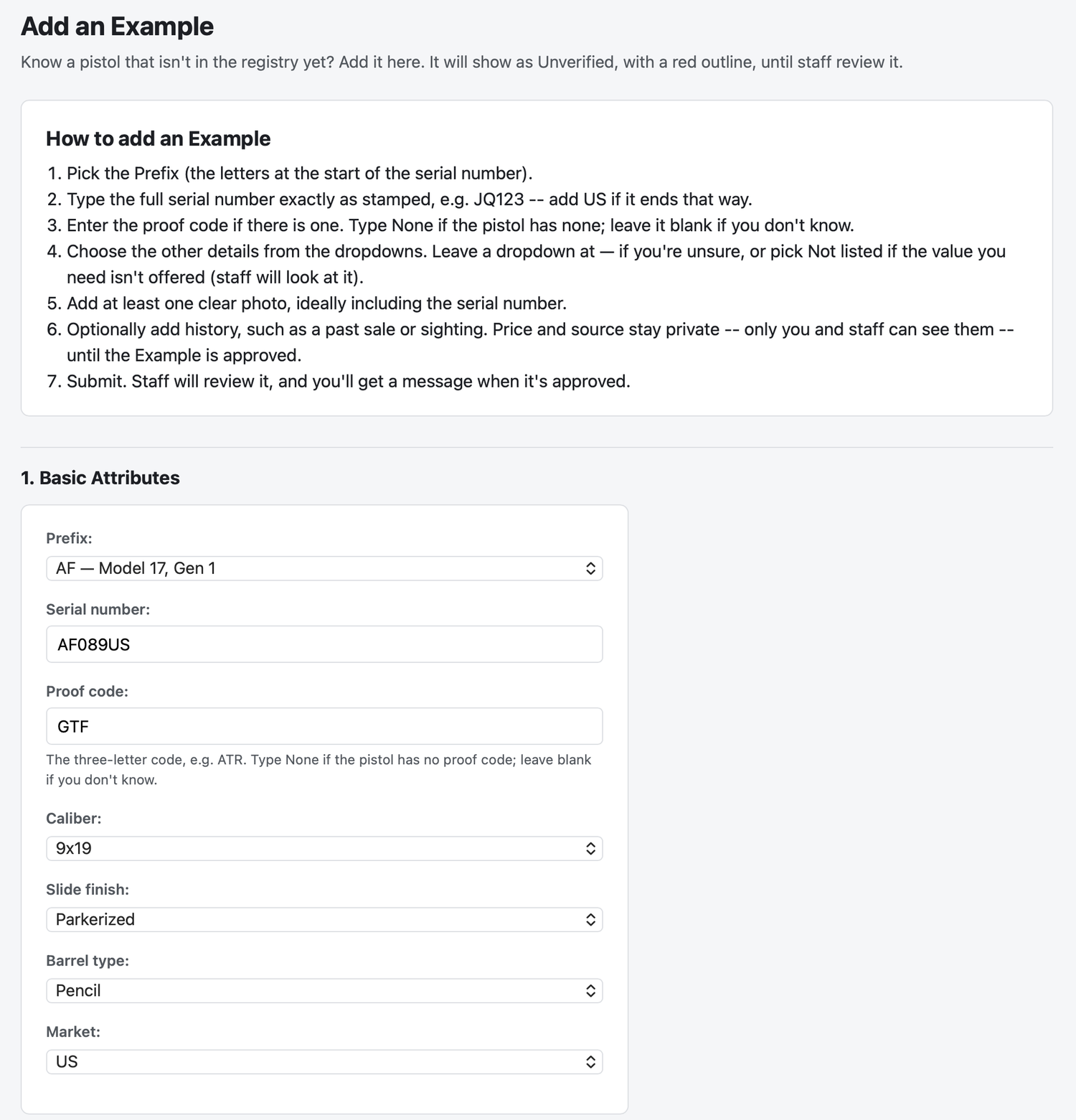
Add a pistol that is not listed
Pick the prefix, type the serial number exactly as stamped, and enter the proof code if there is one. Choose the other details from the dropdowns, add at least one clear photo, and submit.
Add photos
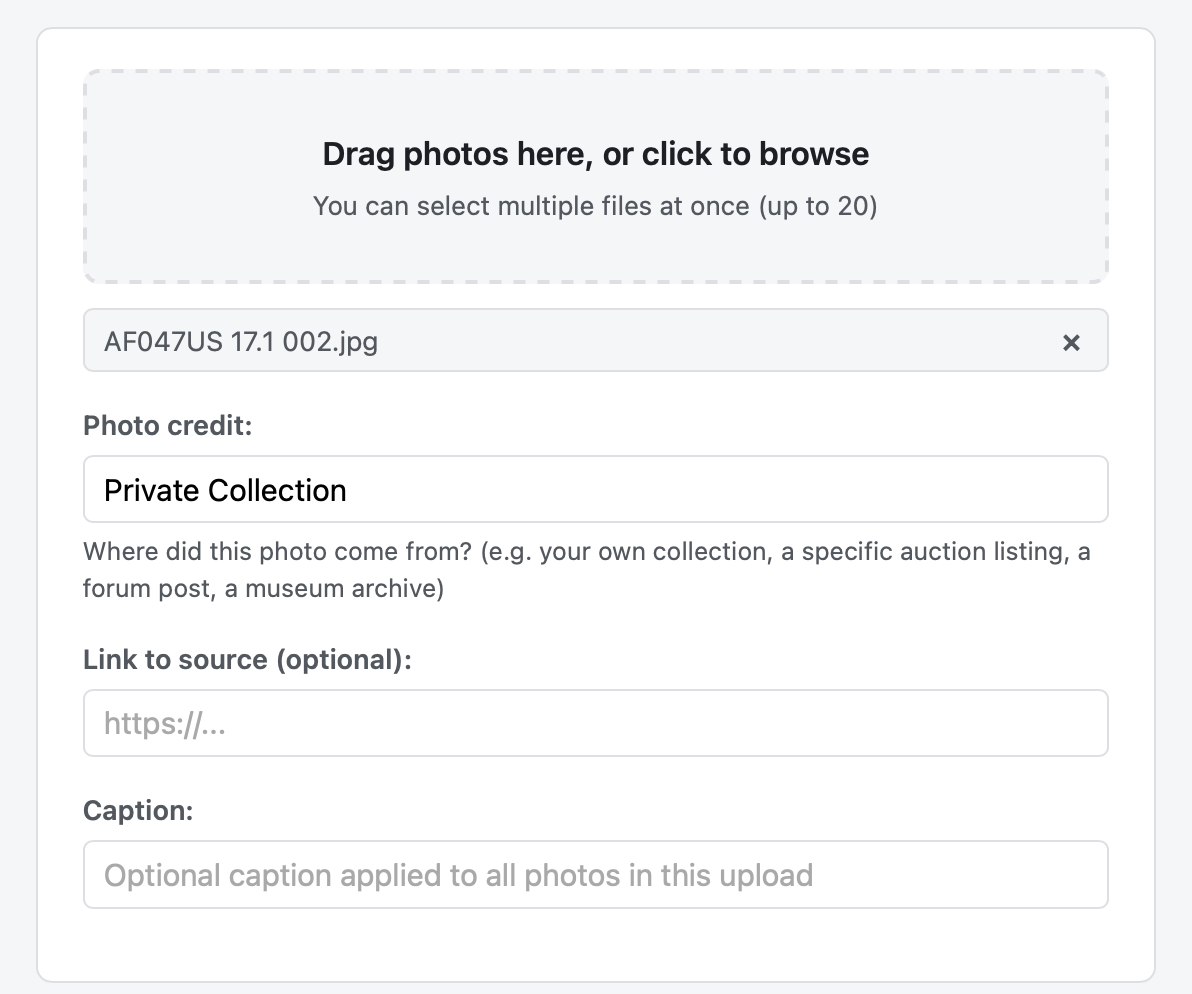
Members can also upload their own photos to any Example. Drag photos onto the upload box or choose them from your device. Clear photos that show the serial number are the most useful.
Staff review every submission
A new Example shows as Unverified, with a red outline, until staff review it. You get a message when it is approved. Any price or source you add stays private to you and staff until then.
Add history
When you submit a pistol you can also add a past sale or sighting, with its date, price and source. This history is what feeds the price charts. Staff add and check history on Examples that are already in the registry, so if you know of a sale or sighting, mention it in a comment on that Example.

Talk with other collectors
Members can comment on Examples and send each other messages. Add Prefixes or Examples to your Wish List to be notified about them, and star the ones you think are rare or unique.
Want to take part?
Accounts are by invitation. Request one and a moderator will review it.