Track your collection
Members can keep a private list of the pistols they own. Nothing in it is shown to anyone else unless you choose to claim an Example.
Add an Example to your collection
On any Example page, press Add to my collection. Adding is private and does not claim the Example.

See your collection
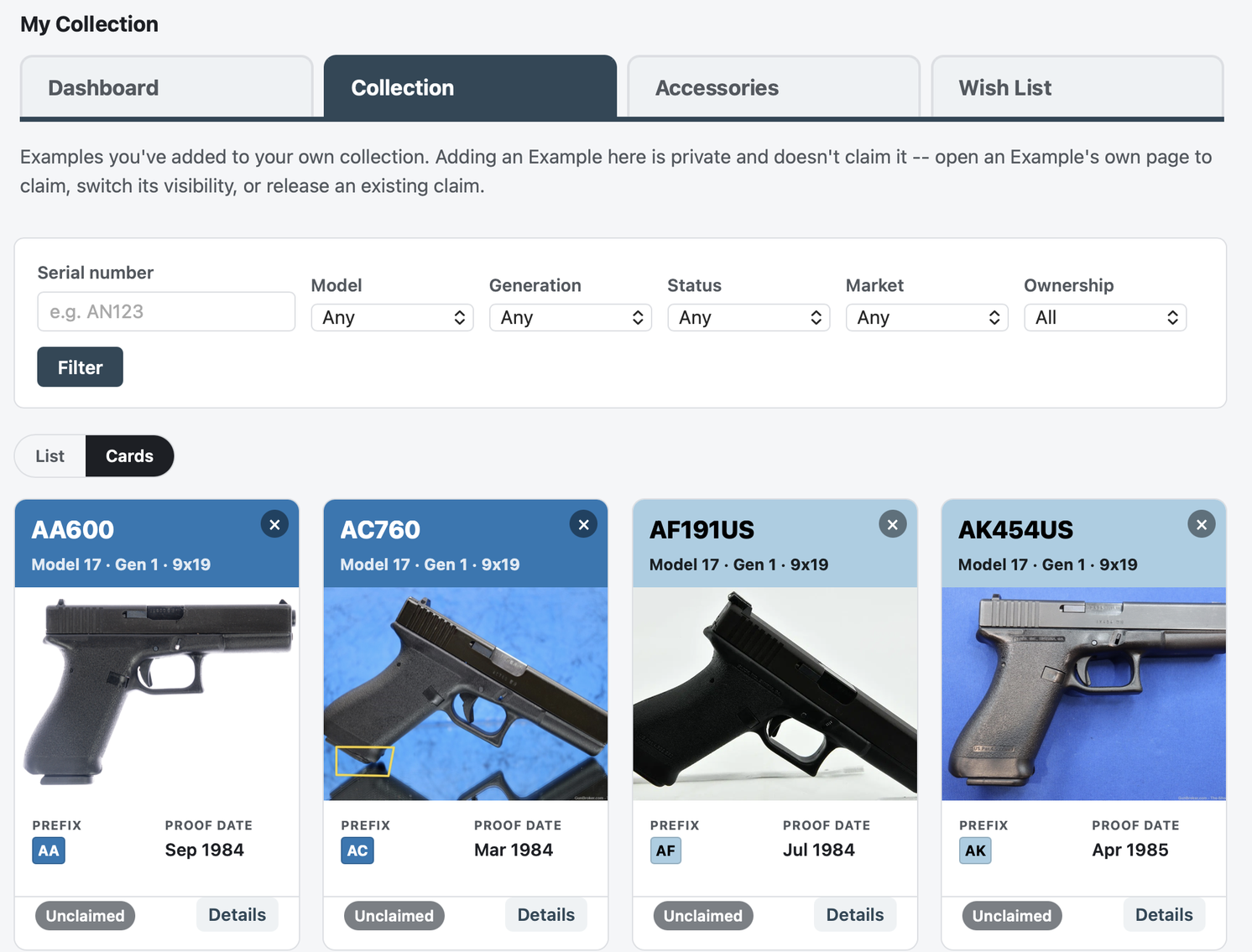
My Collection lists every Example you have added, and you can filter it. Open an entry to change its details.
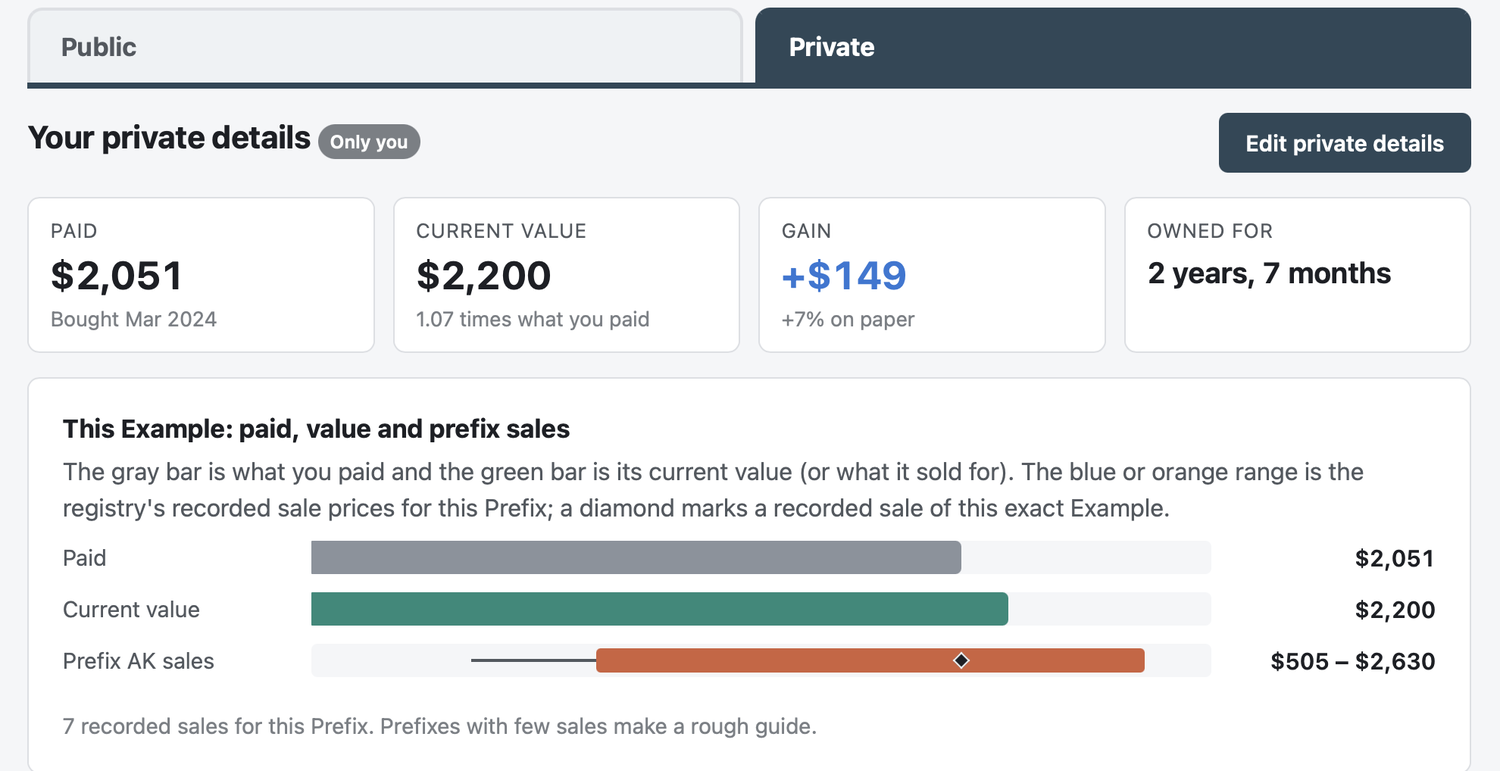
Keep private details
For each pistol you can record where it is stored, what you paid, what it is worth now, a sale, notes, and an accessories checklist. Only you can see these details. They never appear on a public page, and they are included only in your own CSV export.
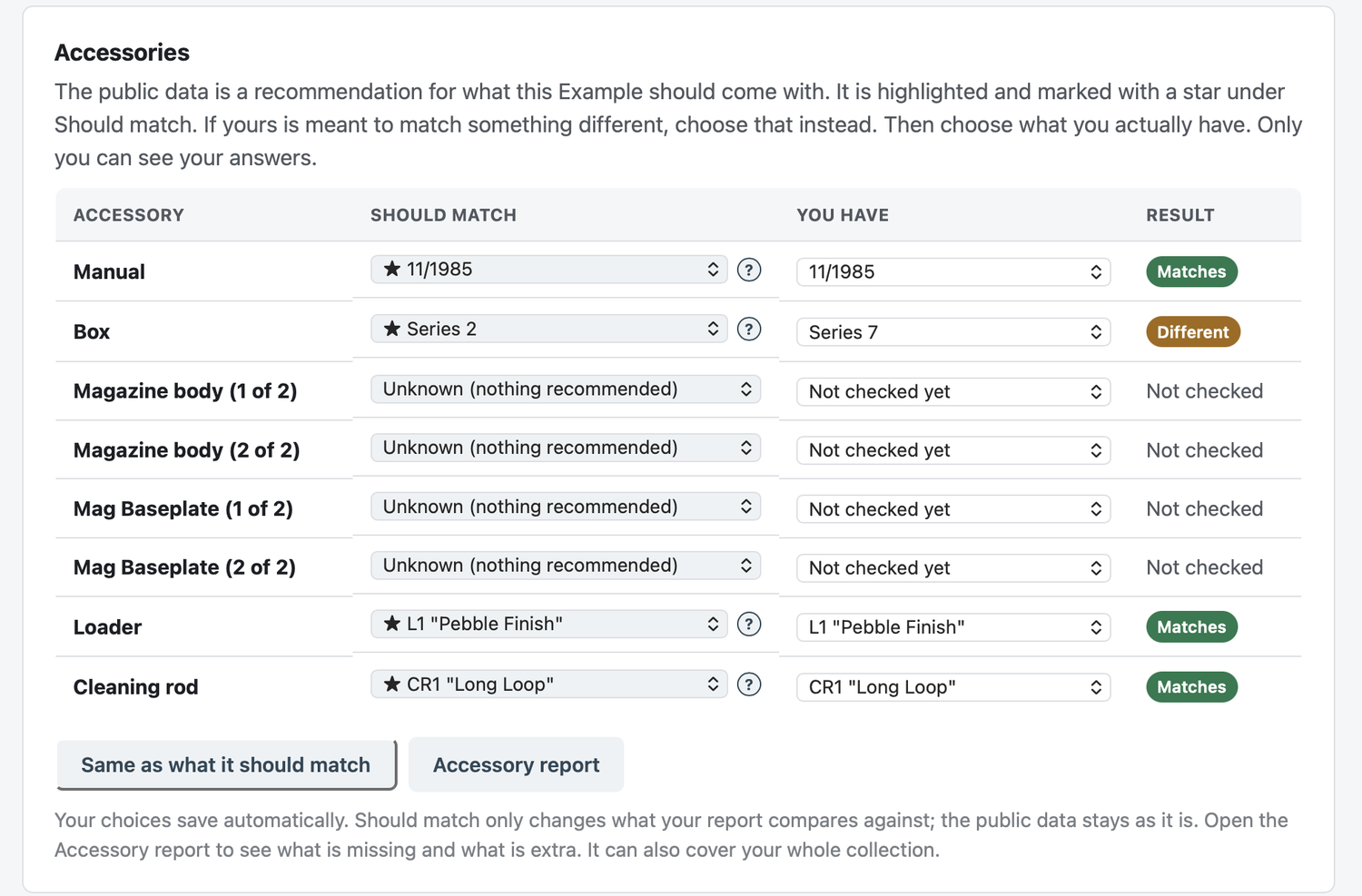
Check your accessories
Choose what each accessory should match for its prefix, then open the Accessory report to see what is missing and what is extra. It can cover your whole collection.
Import from a spreadsheet
Prefer a spreadsheet? Download an Excel template that is pre-filled with your collection, fill it in, and import it. You see a preview first, and nothing is saved until you confirm.
Claim an Example, if you want to
If you want an Example to show as yours, you can claim it, either under your username or anonymously. A claim is a statement of ownership that you make yourself. Other members can still send a message to an anonymous owner without learning who they are.
Want to take part?
Accounts are by invitation. Request one and a moderator will review it.